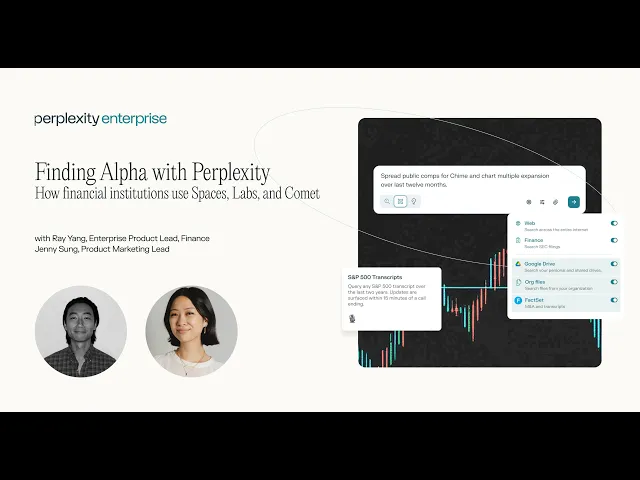
Finding Alpha with Perplexity
See a live demo of how financial institutions use Perplexity Spaces, Labs, and Comet
Webinar FAQs
Perplexity queries and Spaces shared in the session
History of all previous government shutdowns and impact on market
Create a regression analysis on meta's capex spend vs. revenue growth over last 10 quarters
Data Sources & Integration
What data sources does Perplexity integrate with alongside web search?
Perplexity integrates with multiple professional financial data sources:
FactSet - Real-time market data, company financials, estimates
Crunchbase - Private company data, funding rounds, startup intelligence
Public filings - SEC EDGAR, international regulatory filings
You can also connect to:
File apps: Sharepoint, One Drive, Google Drive, Sharepoint, Dropbox, and Box
Communication apps: Gmail, Google Calendar, Outlook, and Slack
Project management apps: Notion, Linear, and Github
If you’re looking for additional app connectors, try our new agentic browser Comet that uses your browser as context to your question.
Can Perplexity analyze financial documents like 10-Ks and earnings reports?
Yes, select the Finance toggle in the source bar to ask questions of SEC EDGAR filings.
Ask questions about specific sections or data points
Compare documents across multiple quarters or companies
Extract key metrics and generate summaries
Cross-reference information across multiple documents
Does Perplexity have access to real-time market data?
Perplexity provides near real-time market information for stock prices (standard for non-professional data feeds).
Can I export search results and analysis?
Yes, you can with the following options:
Copy responses directly to clipboard
Share via link to colleagues
Export to PDF, DOC, and markdown is available today. Exporting to XLS, PPT is coming soon
What's your data retention policy?
For Pro users:
Search history is retained indefinitely in your account
You can delete individual searches or clear history
File uploads are retained for 30 days
For Enterprise users: Admins can customize data retention
What is the Comet browser and how does it work?
Comet is Perplexity's AI-powered browser that lets you:
Navigate websites with AI assistance
Automatically summarize web pages
Extract specific information from sites
Compare data across multiple pages
Fill forms and interact with web applications
For finance professionals, Comet is excellent for:
Researching company websites
Gathering competitive intelligence
Monitoring news and announcements
Analyzing investor relations pages
Can I use Perplexity for stock screening and portfolio analysis?
Yes, Perplexity can be used for but not limited to:
Stock screening - "Find large-cap tech stocks with P/E ratios under 20 and revenue growth over 15%"
Portfolio analysis - Upload your holdings and ask for risk analysis, sector exposure, or rebalancing suggestions
Comparative analysis - Compare multiple companies across various metrics
Thematic research - Explore investment themes and find relevant opportunities
Can I create custom templates or saved searches?
Yes, through Perplexity’s Spaces feature users can:
Save frequently used searches
Create template prompts for common analyses
Organize research by deal, company, or sector
Share collections with team members (Enterprise)
Build knowledge bases for recurring workflows
Spaces help finance teams standardize research processes and maintain consistency.
Security & Privacy
Is Perplexity secure enough for sensitive financial research?
Yes, Perplexity takes security seriously with:
Encryption - All data in transit (TLS 1.3) and at rest (AES-256)
SOC 2 Type II certified - Independently audited security controls
GDPR compliant - Full compliance with European data protection regulations
No training on your data - Your queries and documents are never used to train AI models
Private searches - Enterprise includes private search modes that don't save history
Enterprise customers get additional security features:
SSO and SCIM onboarding
Audit logs
Custom data retention policies
Pricing & Plans
Can I upgrade from Pro to Enterprise mid-subscription?
Absolutely. When you upgrade from Pro to Enterprise, we'll prorate your remaining Pro subscription and apply the credit toward your Enterprise plan.
What happens if I exceed my seat count on Enterprise?
Enterprise plans are flexible. You can add seats at any time, and we'll prorate the cost for the remainder of your billing period.
Do you offer month-to-month Enterprise plans?
Yes we offer both monthly and annual billing.
Is there a discount for large teams?
Yes! Enterprise pricing scales with volume. Teams with 250+ seats receive progressively better per-seat pricing. Contact us for a custom quote based on your team size.
Can different team members have different access levels?
Yes, Enterprise plans include role-based access controls. Admins can assign different permission levels to team members, control feature access, and manage data sharing policies across the organization.