Personal Computer for Mac
Personal Computer brings Computer onto your Mac, so it can work across your local files, native apps, connectors, and the web in one place. Instead of moving information into the browser first, you can let Computer work where your files and apps already are.
It is especially useful for tasks that depend on tools and information on your machine, or for work that is too messy for a chat box and too repetitive to keep doing by hand. It is also a good fit when you want Computer to keep working in the background or stay available while you move between tasks.
To get started, download the Perplexity for Mac app from perplexity.ai/personal-computer. Personal Computer is built into the Mac app and works on any Mac running macOS 14 Sonoma or later. It is designed to keep you in the loop on sensitive actions, so you can see what it is doing, step in when needed, and stay in control of important decisions.
Personal Computer extends what Computer can do: Perplexity Computer runs tasks in the cloud, while Personal Computer also has access to your local machine, including your files, apps, and desktop environment.
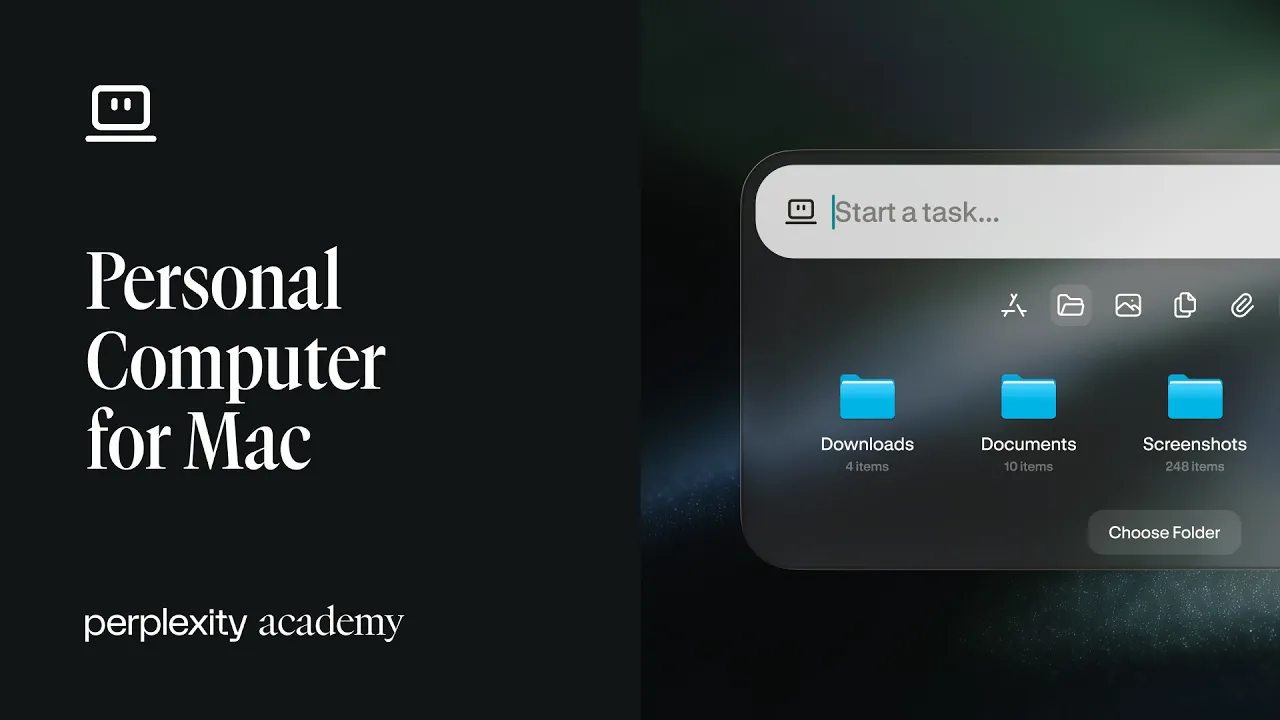
Local file access makes Computer more useful for work that depends on what is already on your Mac: You can connect a folder and let Computer read, write, and search your files directly.
The floating task bar makes it easier to use Computer without breaking context: A keyboard shortcut lets you summon it anywhere on your desktop and start a task without switching windows.
Voice mode gives you another way to work: You can speak naturally to your Mac, and Computer can understand the request and act on it.
Always-on use makes Personal Computer especially useful on a Mac mini: If you use it on a Mac mini, Computer can keep running 24/7 in the background, even when your laptop is closed.
Remote control lets you keep work moving when you are away from your desk: You can start, pause, or adjust tasks from your iPhone or another device while your Mac keeps working.
Comet is built in: Computer can use the built-in browser to browse, research, and automate web tasks without forcing you to jump between tools.